Great Indie Games Aren't Limited to Steam
Steam is one of the most recognizable places to buy PC games, but it isn't the only place worth exploring.
Independent developers release games through specialized storefronts, community platforms, their own websites, and directories devoted to games that might never become major commercial hits.
Some projects are free. Others are experimental, inexpensive, or still in development. Many offer unusual ideas that would be difficult to discover if you only followed major releases.
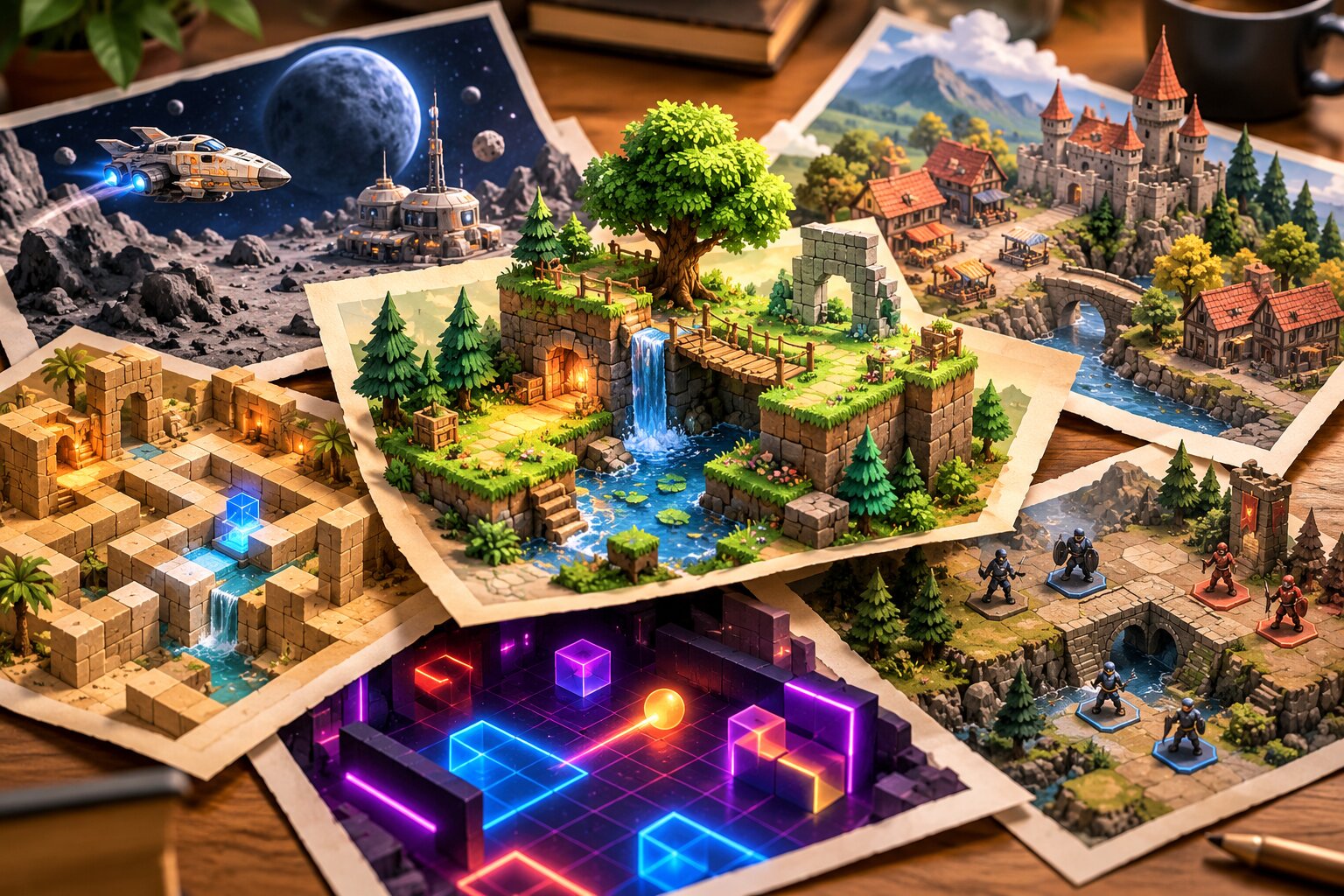
For players interested in pixel art, 2D adventures, inventive mechanics, and games that may run on modest hardware, exploring beyond a single storefront can be especially rewarding.
The challenge is knowing where to look.
Here are several useful destinations, what makes each one different, and how to avoid wasting time or money while exploring.
Why Look Beyond Steam?
Steam provides a large catalog, user reviews, wishlists, and familiar purchasing tools. Those are meaningful advantages.
However, not every independent project follows the same development or distribution path.
Some developers publish small prototypes before deciding whether to make a commercial game. Others distribute titles directly, maintain community pages, or prioritize DRM-free releases.
Looking elsewhere can help you discover:
- Experimental games that aren't widely advertised.
- Small projects released directly by their creators.
- Free browser games and downloadable prototypes.
- Independent games with unusual visual styles.
- Development updates and early demonstrations.
- Alternative ways to purchase and support developers.
The goal isn't to abandon Steam. It's to expand the number of places where you can discover something interesting.
The Best Places to Discover Indie PC Games
1. itch.io: Best for Experimental and Small Indie Games
Website: https://itch.io/
itch.io is a particularly useful destination for exploring independent games that don't necessarily fit a conventional commercial release model.
Creators can publish free games, paid releases, browser-based projects, and prototypes.
Its browsing system supports tags and categories, helping visitors look for particular genres, themes, and formats.
Why explore it?
- Discover small and experimental releases.
- Find browser games that require little initial commitment.
- Explore game-jam submissions.
- Browse projects by genre or visual style.
- Follow developers whose work interests you.
Game jams are especially interesting because participants build games around creative constraints, often within a short development period.
The results can be rough, unfinished, or surprisingly inventive. A short prototype might contain an idea that later develops into something bigger.
Best for: Curious players who enjoy experimentation and don't require every game to feel like a polished commercial product.
Watch out for: Quality, documentation, compatibility, and maintenance vary significantly between projects.
A game being available on itch.io does not automatically mean it is finished or suitable for every computer.
2. GOG: Best for DRM-Free PC Game Shopping
Website: https://www.gog.com/
GOG provides a commercial PC game storefront known for its DRM-free distribution approach.
Its catalog includes older games, modern releases, and independent titles.
For players who care about downloadable installers and fewer account-dependent restrictions on purchased games, GOG deserves consideration.
Its catalog also supports filtering by genres, operating systems, and other characteristics.
Why explore it?
- Browse established commercial releases.
- Find independent games alongside older PC classics.
- Look for DRM-free purchasing options.
- Filter the catalog by operating system.
- Compare prices and editions before purchasing.
GOG is especially relevant when you already know you want a complete commercial release rather than an experimental prototype.
Best for: Players who value DRM-free purchases and want a conventional shopping experience.
Watch out for: Catalog availability differs from other storefronts. Not every independently developed game is sold on GOG.
DRM-free distribution also does not guarantee that every optional online feature works without external services.
3. IndieDB: Best for Following Independent Development
Website: https://www.indiedb.com/
IndieDB is a community-oriented directory dedicated to independent game projects.
Its listings include released games, projects still in development, developer updates, screenshots, videos, and other material.
Unlike a storefront focused primarily on completed purchases, IndieDB can be valuable for learning what developers are building.
Why explore it?
- Discover projects before release.
- Read developer updates.
- Browse different genres and development stages.
- Find demos and downloadable material where available.
- Follow games as they evolve.
One useful approach is to look beyond the most popular listings and explore projects that have received recent development updates.
That can introduce you to smaller developers who are actively documenting their work.
Best for: Players interested in upcoming indie games and development progress.
Watch out for: A listing does not guarantee that a project will be completed, maintained, or eventually released.
Verify the current development status before treating an announced game as an upcoming purchase.
4. Game Jolt: Best for Community-Based Discovery
Website: https://gamejolt.com/
Game Jolt combines independent game discovery with community-oriented features.
Its appeal extends beyond the games themselves. Players can also encounter creator activity, fan communities, and discussions surrounding particular projects.
It can be especially interesting if you enjoy following smaller creators rather than browsing only established store catalogs.
Why explore it?
- Find creator-led gaming communities.
- Discover independent and fan-oriented projects.
- Follow discussions about developing games.
- Explore unconventional concepts.
Best for: Players interested in creator communities and smaller gaming projects.
Watch out for: Listings, download availability, and project quality can vary. Review the game's origin and permissions, particularly when encountering unofficial fan projects.
5. Humble Bundle: Best for Discovering Games Through Bundles
Website: https://www.humblebundle.com/
Humble Bundle takes a different approach to game discovery.
Rather than focusing exclusively on individual game listings, it offers themed collections and promotional bundles that can introduce players to multiple titles at once.
The available collections change over time.
A bundle might include games you already recognize alongside titles you've never considered purchasing separately.
Why explore it?
- Discover several games around a shared theme.
- Compare bundle value against individual purchases.
- Encounter unfamiliar developers and genres.
- Explore different kinds of PC games at promotional prices.
Best for: Budget-conscious players willing to try multiple games.
Watch out for: A bundle isn't automatically a good deal.
Check which games you actually want, whether you already own them, redemption requirements, operating-system support, and any expiration conditions.
Buying six games you won't play isn't necessarily better value than buying one you will.
6. Developer Websites: Best for Going Directly to the Source
Sometimes the most useful discovery destination is the developer's own website.
Independent studios may maintain official pages containing announcements, development blogs, demo links, newsletters, and links to authorized storefronts.
For games with active development, a developer website can provide useful context that a commercial listing doesn't explain.
Why explore developer websites?
- Find official announcements.
- Identify authorized purchase destinations.
- Check for demos and public testing opportunities.
- Learn whether development remains active.
- Confirm supported operating systems.
Best for: Players already interested in a particular developer or upcoming game.
Watch out for: Only download software from a source you can reasonably verify as legitimate. Avoid unofficial mirrors and suspicious installers.
Quick Comparison: Which Platform Fits You?
| Platform | Best use | Main advantage | Main limitation |
|---|---|---|---|
| itch.io | Experimental games | Small projects, jams, prototypes | Variable polish |
| GOG | Buying complete PC games | DRM-free storefront | Smaller selection than some rivals |
| IndieDB | Development discovery | News and project updates | Some projects remain unfinished |
| Game Jolt | Creator communities | Community-driven discovery | Variable project quality |
| Humble Bundle | Budget exploration | Multi-game collections | Deals and availability change |
| Developer sites | Official project information | Direct announcements | Requires more individual searching |
These options aren't interchangeable.
If you want something unusual to play for free, start with itch.io.
If you want to purchase a finished DRM-free release, browse GOG.
If your goal is discovering what independent developers are making next, IndieDB may be more useful than another storefront.
Where to Find Free and Affordable Indie Games
Spending less doesn't have to mean settling for lower-quality entertainment.
However, a useful distinction exists between free games, free demos, and discounted commercial releases.
Free Games
Some independent titles are available without an upfront purchase.
They might be small creative experiments, game-jam projects, or complete releases offered for free.
Before downloading, check the developer's description, supported platforms, and whether the game has optional purchases.
Free Demos
A demo offers a way to evaluate part of a game without purchasing the complete experience.
Look for information about how much content is included, whether progress transfers, and whether the demo represents an older version of the game.
A demo can help you decide whether the controls, presentation, and basic gameplay appeal to you.
Discounted Releases
A discounted game may offer excellent value, but price alone should not decide the purchase.
Consider:
- Whether the game fits your preferred genre.
- Whether your computer meets its requirements.
- Whether the available edition includes what you want.
- Whether the seller is authorized.
- Whether the game is likely to hold your interest.
The cheapest game isn't necessarily the best choice.
How to Check Whether a Game Will Run on Your PC
A game being labeled "indie," "pixel art," or "2D" does not guarantee low hardware requirements.
Some visually simple games contain complex simulations, demanding effects, or inefficient implementations.
Before purchasing or downloading a title, check four areas.
Operating-System Support
Confirm that the game supports your actual operating system.
Do not assume every PC release offers Windows, macOS, and Linux versions.
Processor and Memory Requirements
Compare published minimum requirements with your computer's specifications.
Remember that minimum requirements do not establish how consistently a game will perform.
Graphics Requirements
If your computer uses integrated graphics, pay particular attention to dedicated-GPU requirements.
A game with simple-looking artwork can still require graphics features your system lacks.
Download and Storage Requirements
Check available storage space and whether a game requires an external launcher or online connection.
A small download can still require more space after installation.
A useful rule: If a compatible free demo is available, it may provide more practical information about your own computer than screenshots or promotional descriptions.
Do not interpret a successful demo session as a guarantee that every part of the finished game will perform identically.
A Better Way to Discover Hidden Gems
Finding interesting indie games becomes easier when you create a repeatable discovery process.
Step 1: Pick Two Genres You Actually Enjoy
Start with a focused interest, such as tactical RPGs, platformers, puzzle games, or survival games.
Trying to monitor every indie release quickly becomes overwhelming.
Step 2: Explore One Discovery Platform
Choose itch.io for experimentation, IndieDB for development updates, or GOG for commercial shopping.
Spend time learning how the platform organizes its listings.
Step 3: Build a Short Candidate List
Save five interesting games instead of collecting dozens of random recommendations.
Record their titles, official links, platforms, and current release status.
Step 4: Verify Before Downloading or Buying
Check the developer, system requirements, store legitimacy, and available gameplay information.
Avoid treating screenshots or promotional claims as proof of performance.
Step 5: Revisit Your List Periodically
Games change.
A previously unfinished project may release a new demo. Another might become available on a storefront you already use.
A short, maintained list is often more useful than a massive wishlist you never revisit.
Which Platform Should You Start With?
The best choice depends on what you want from indie game discovery.
Start with itch.io if you enjoy experiments, small creative projects, and unusual ideas.
Try GOG if you're shopping for complete PC games and care about DRM-free distribution.
Explore IndieDB if you're interested in upcoming projects and developer progress.
Consider Game Jolt if community participation is part of your interest.
Check Humble Bundle if you're comfortable evaluating changing multi-game offers.
And when an individual game catches your attention, visit the developer's official website to learn more.
You don't need to follow every platform.
Start with two that match your interests, discover a few games, and expand only when you find something worth exploring.
That's a more useful approach than chasing every new release, and it keeps the emphasis where it belongs: finding games you'll genuinely want to play.
Frequently Asked Questions
Can I find free indie PC games outside Steam?
Yes. itch.io and other independent distribution platforms host free releases, browser games, and experimental projects. Availability and quality vary.
Is itch.io only for unfinished games?
No. It hosts projects at different development stages, including finished commercial games, free releases, demos, and game-jam experiments.
Are all games on GOG old games?
No. GOG includes both older titles and modern PC releases, including independent games.
Are indie games usually easier to run on older computers?
Not necessarily. Hardware demands depend on the individual game. Always check system requirements rather than relying on its art style or independent status.
Should I buy from a developer directly?
Direct purchases can be appropriate when the developer operates a legitimate store or provides an authorized purchase link. Verify the destination, payment terms, platform support, and refund conditions before buying.
- itch.io - Independent game storefront and discovery platform.
- GOG - DRM-free PC game storefront.
- IndieDB - Independent game directory and development updates.
- Game Jolt - Game and creator community.
- Humble Bundle - Game bundles and promotional collections.
Information about platform purposes, available discovery features, and catalog categories was drawn from the listed official websites and the IndieDB directory. Individual game availability, prices, and platform terms can change. This article does not claim firsthand testing of the services or their games.
0 comments:
Post a Comment